
Personal tiles
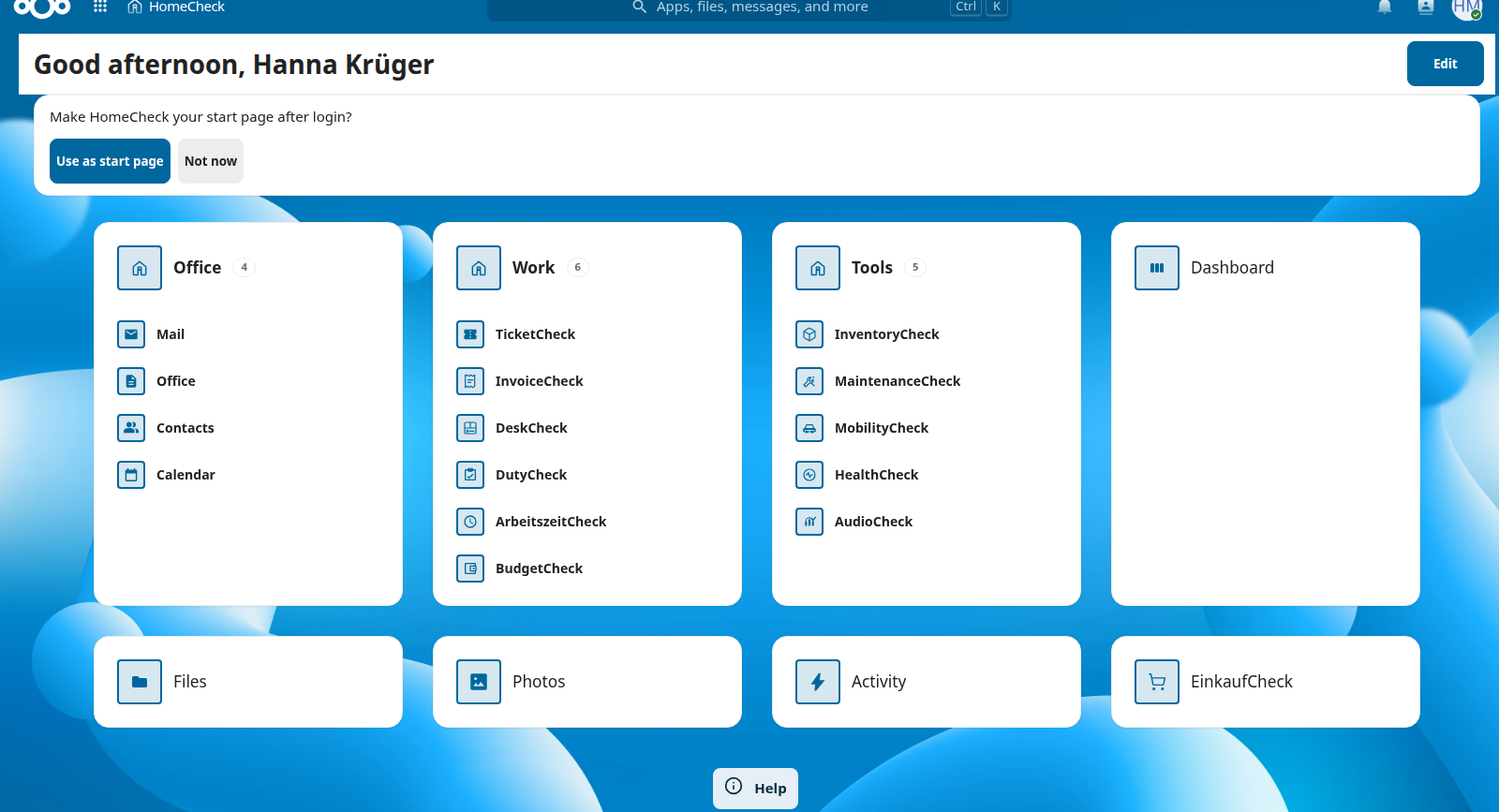
Arrange your Nextcloud apps like on a phone — only the tiles you need daily.
Arrange your Nextcloud apps like on a phone: tiles, folders, hidden apps — your order syncs to the top bar. Web free (AGPL).
We improve this app with real-world use. Bug reports, rough edges, and ideas help — open a GitHub Issue or write to info@software-by-design.de.
You scroll past dozens of apps when you only need five daily. HomeCheck replaces the default app grid — not DeskCheck, not desk booking.
Arrange your Nextcloud apps like on a phone — only the tiles you need daily.
Create Samsung-style folders and group apps — your dashboard stays tidy.
Hide apps you do not need — they leave your home screen, not Nextcloud.
Your order syncs to the top bar — dashboard and menu show the same sequence.
Optional: open Nextcloud on your HomeCheck home instead of the default app grid.
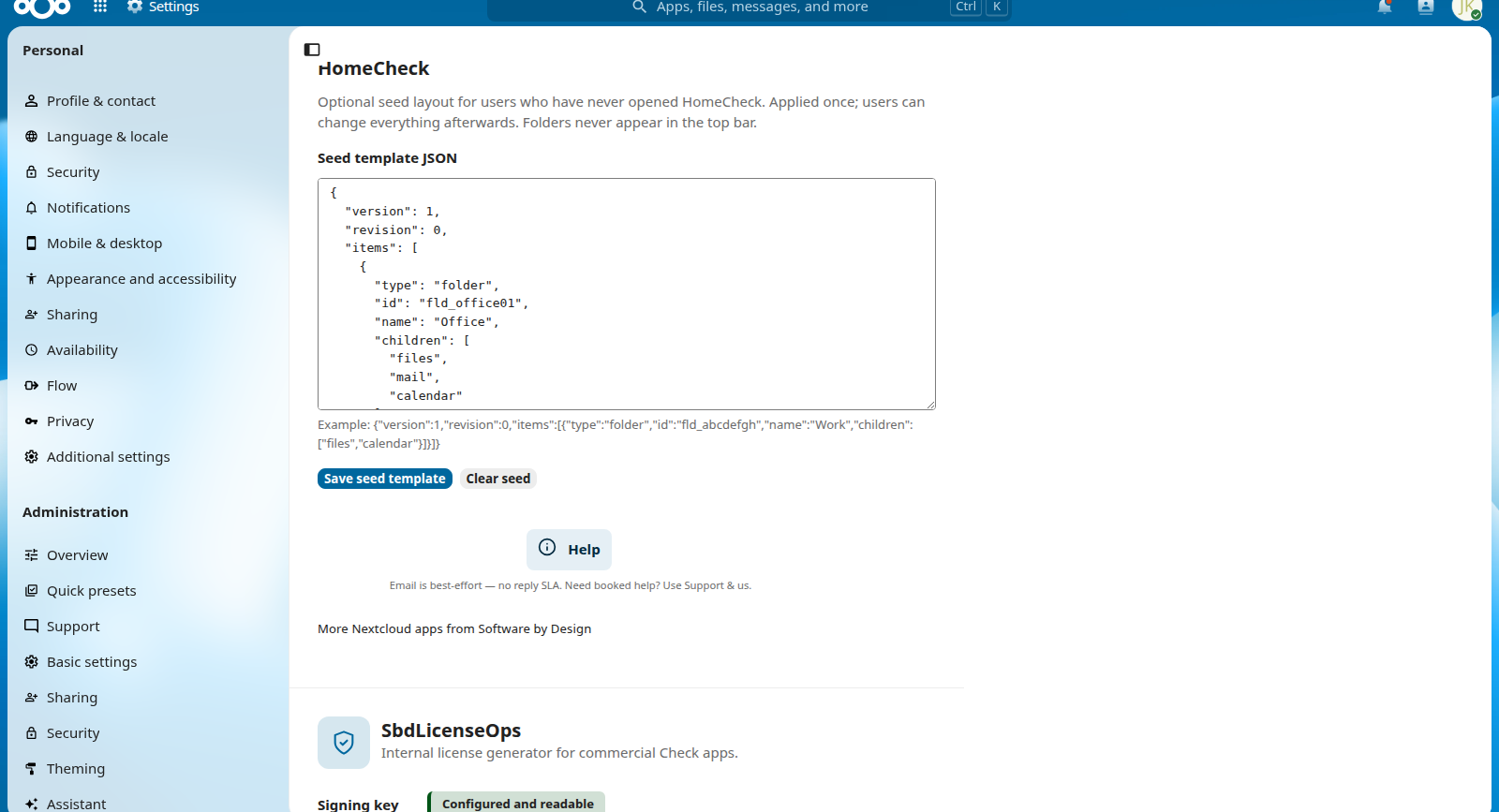
Admins can seed a one-time template — your layout stays personal and editable.
Each user has their own home — no organisation-wide layout lock.
Target WCAG 2.1 AA: keyboard, clear structure, responsive from 320 px.
Click a screenshot to enlarge. Use ← → or the gallery arrows to browse; Esc to close.
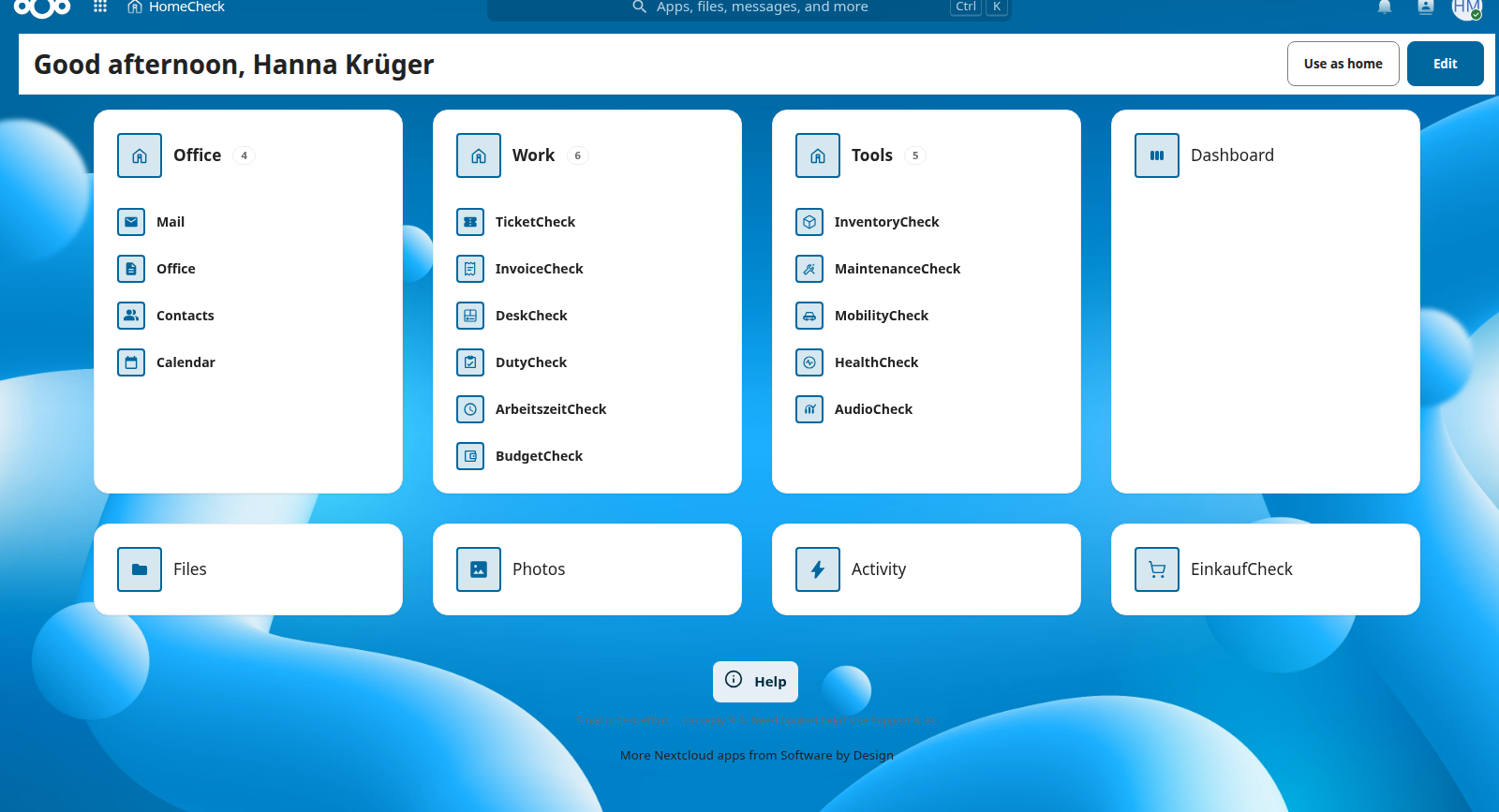
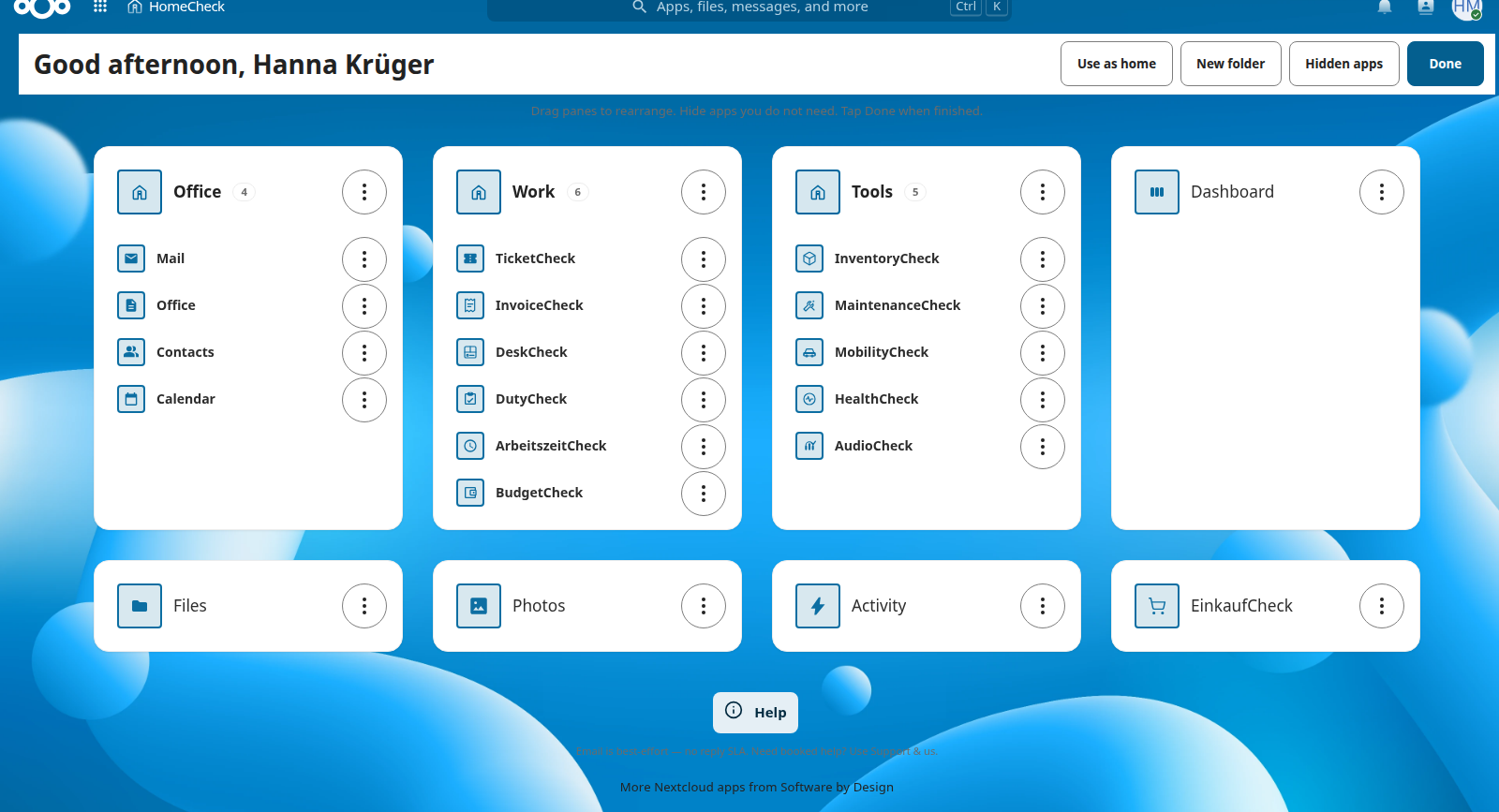
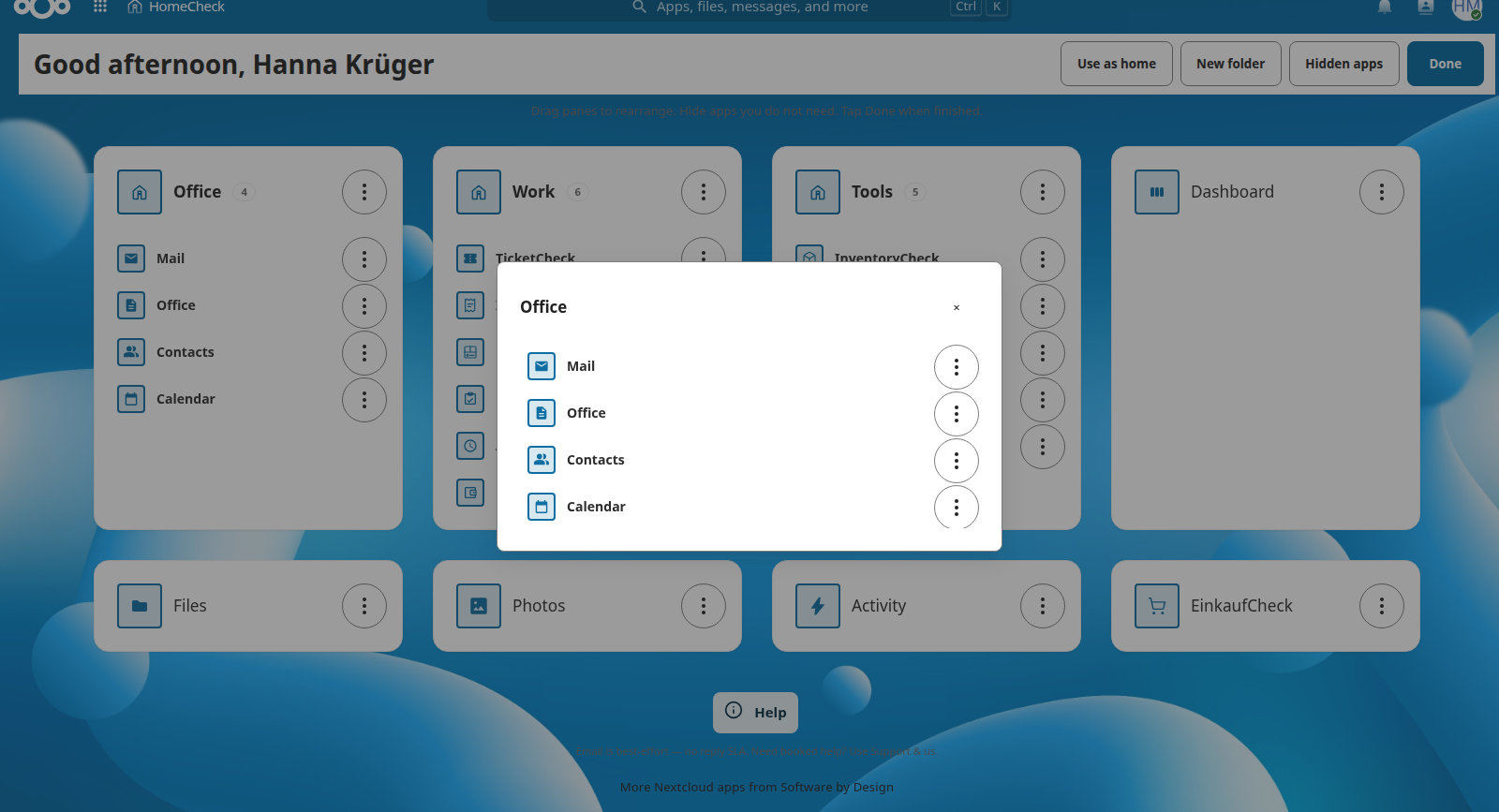
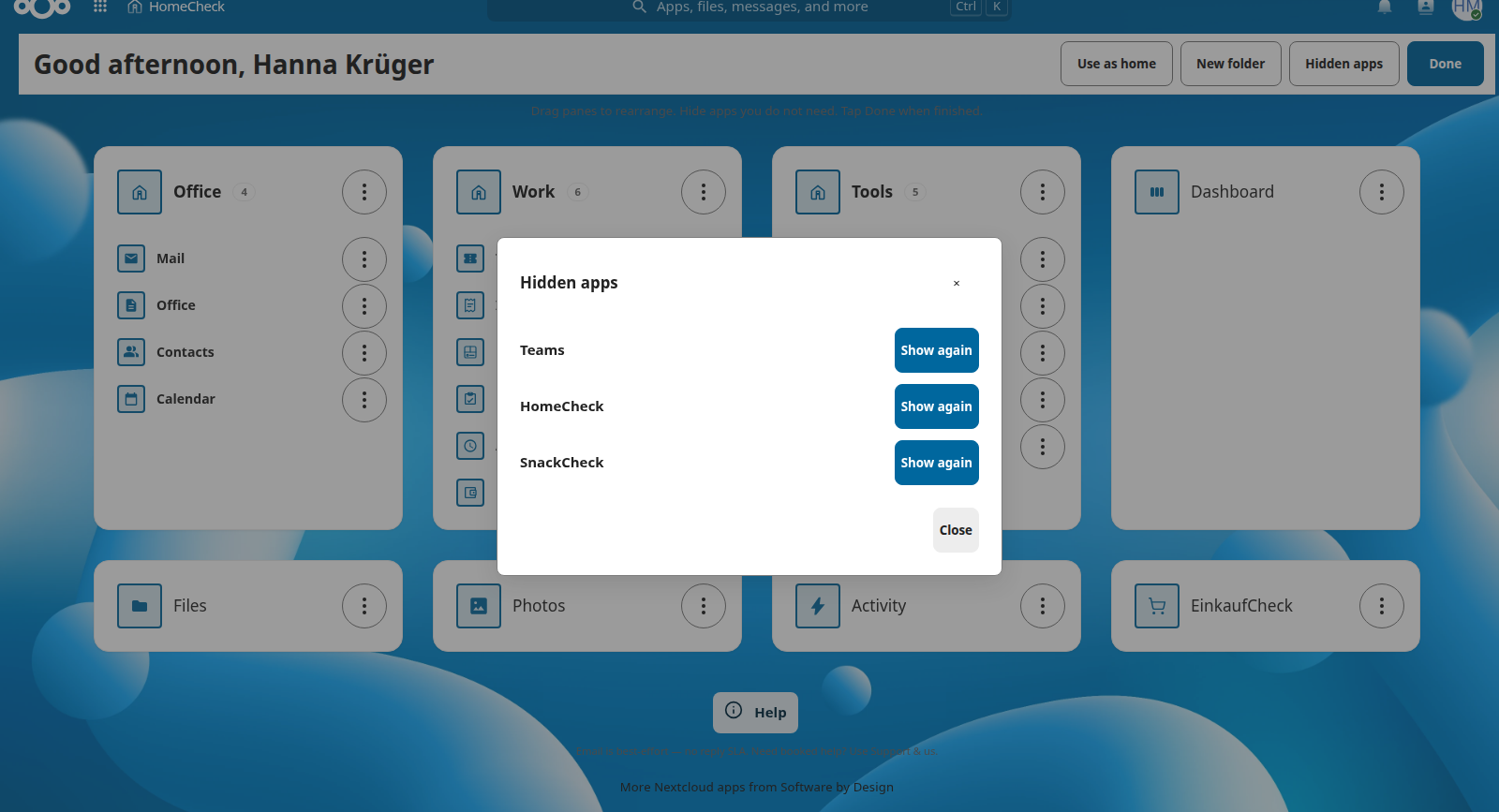
HomeCheck is published in the official Nextcloud App Store and on GitHub.
git clone https://github.com/aSoftwareByDesignRepository/\
nextcloud-homecheck.git \
  /path/to/nextcloud/apps/homecheck
cd /path/to/nextcloud
php occ app:enable homecheckStep-by-step guide for administrators and end users — free download.
No. HomeCheck is a personal app home for each user. DeskCheck is a separate desk-booking product and is not published on this site.
Yes. The Nextcloud web app is AGPL-3.0-or-later and free. There is no companion licence SKU.
Install from the Nextcloud App Store inside your instance, or build from the published AGPL source on GitHub.
These apps are maintained in public. If HomeCheck helps you, you can support ongoing work via GitHub Sponsors. Need a feature sooner? Get in touch — we are happy to discuss sponsored feature development. Product feedback — bugs, rough edges, missing pieces — is always welcome via GitHub Issues or info@software-by-design.de; it directly shapes what we build next.