WorkTimeCheck, “Arbeitszeit” is German for “working time”.
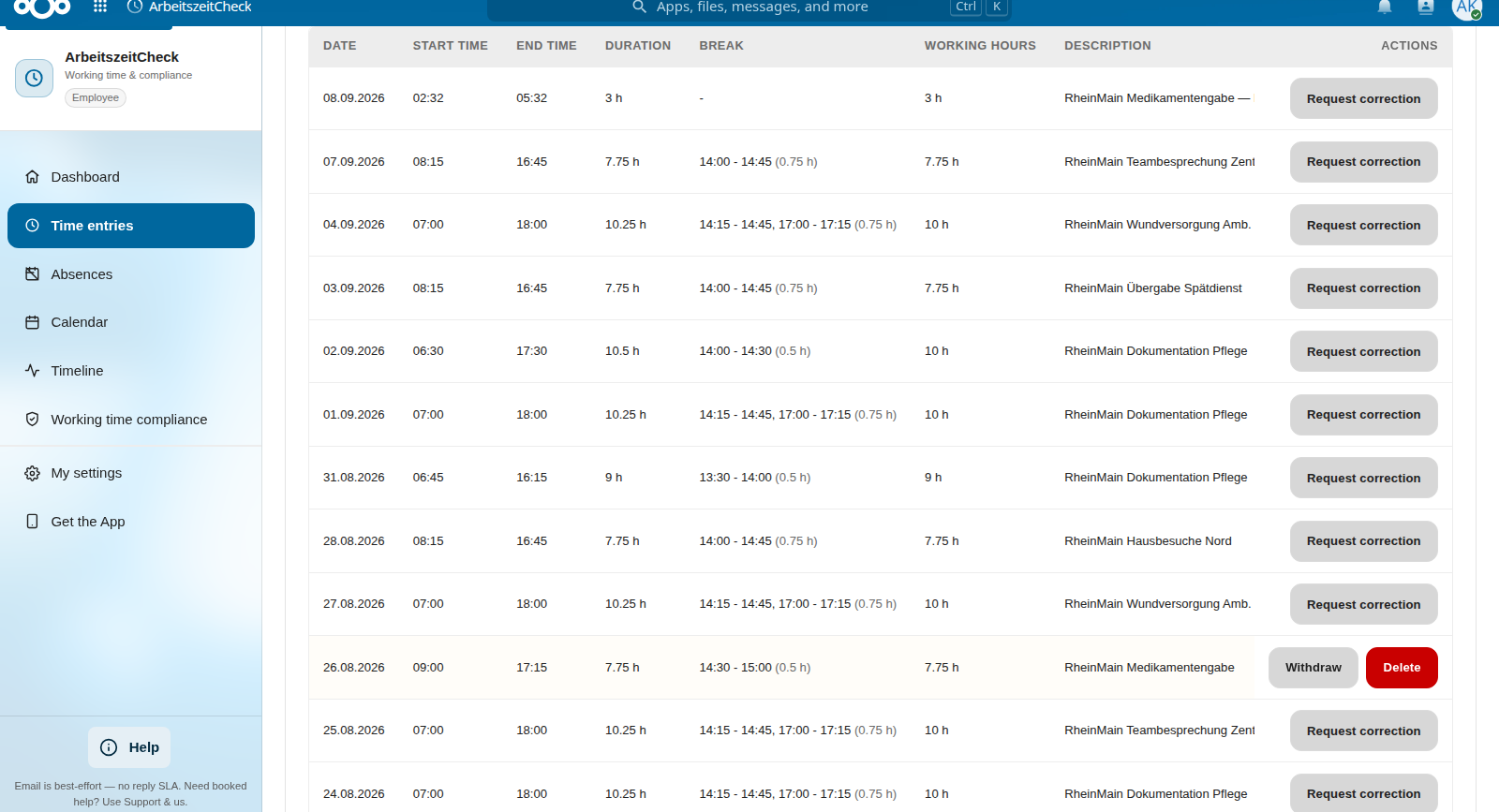
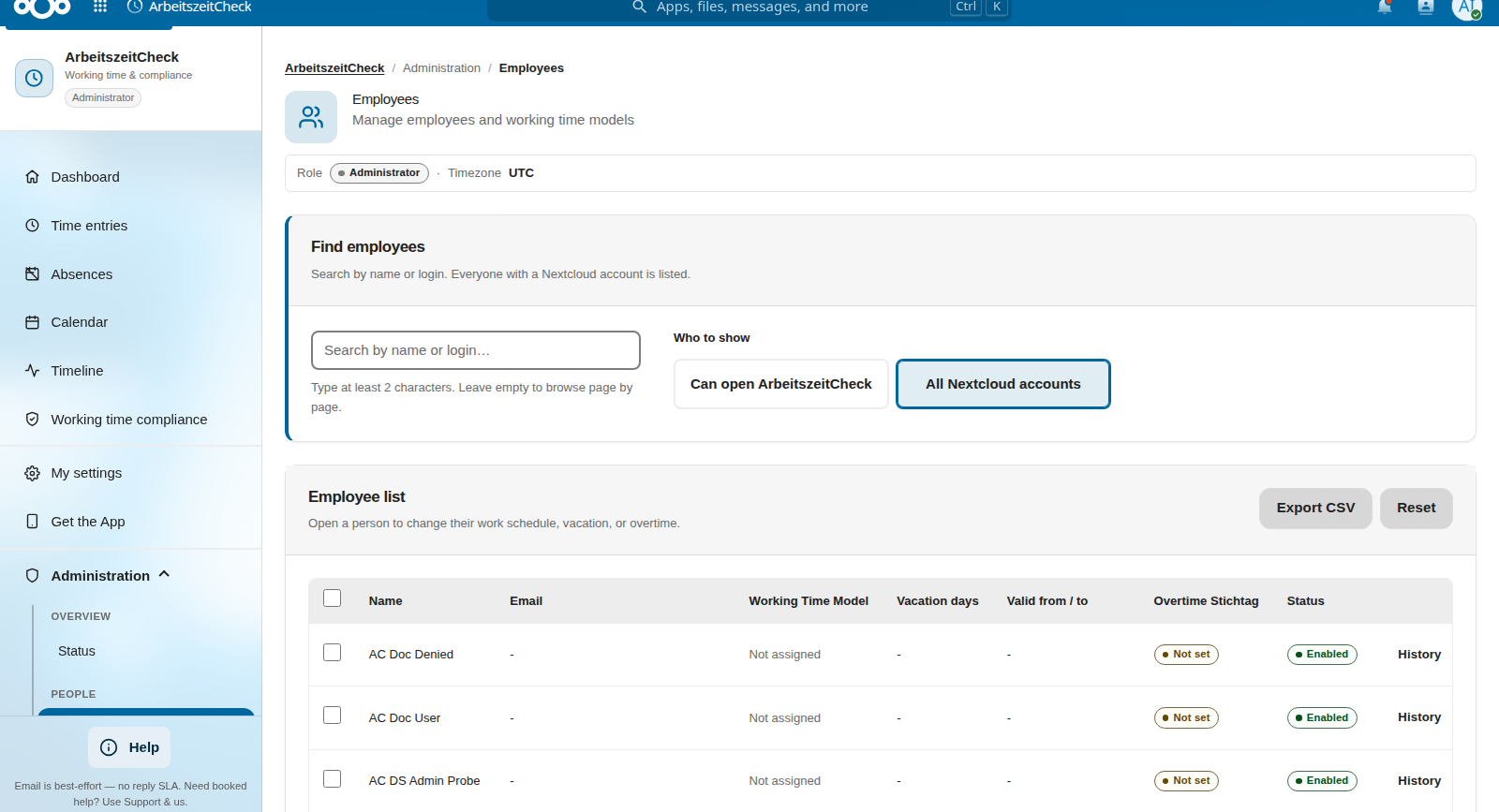
Working-time recording that stays in your Nextcloud. Clock-in, breaks, and manual entries; server-side checks against configured DACH profiles (ArbZG, AZG/ARG, ArG); vacation, holiday regions, and reports including DATEV export. It checks the rules you configure; it does not give legal advice.
ArbeitszeitCheck helps you apply the working-time rules you configure. Every clock-in is validated by the server against those rules, every change is logged, and every month can be sealed with a verifiable snapshot.
Country-aware working-time rules
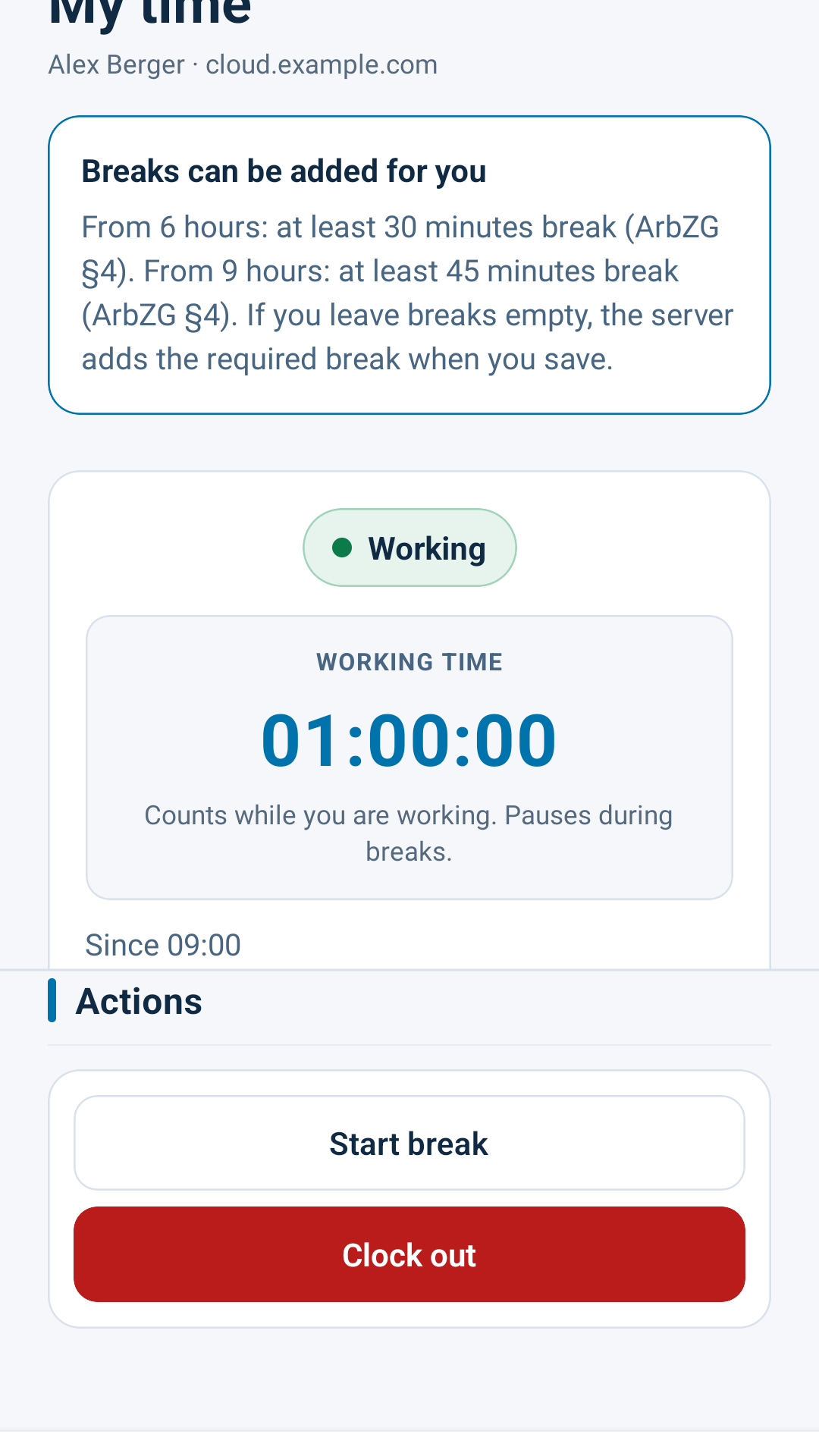
Daily/weekly limits and break calculation per labour profile (ArbZG, AZG, ArG), 11 h rest, night / Sunday / public-holiday detection with statutory holiday calendars for Germany, Austria and Switzerland, including Swiss half-day public holidays.
Compliance monitoring
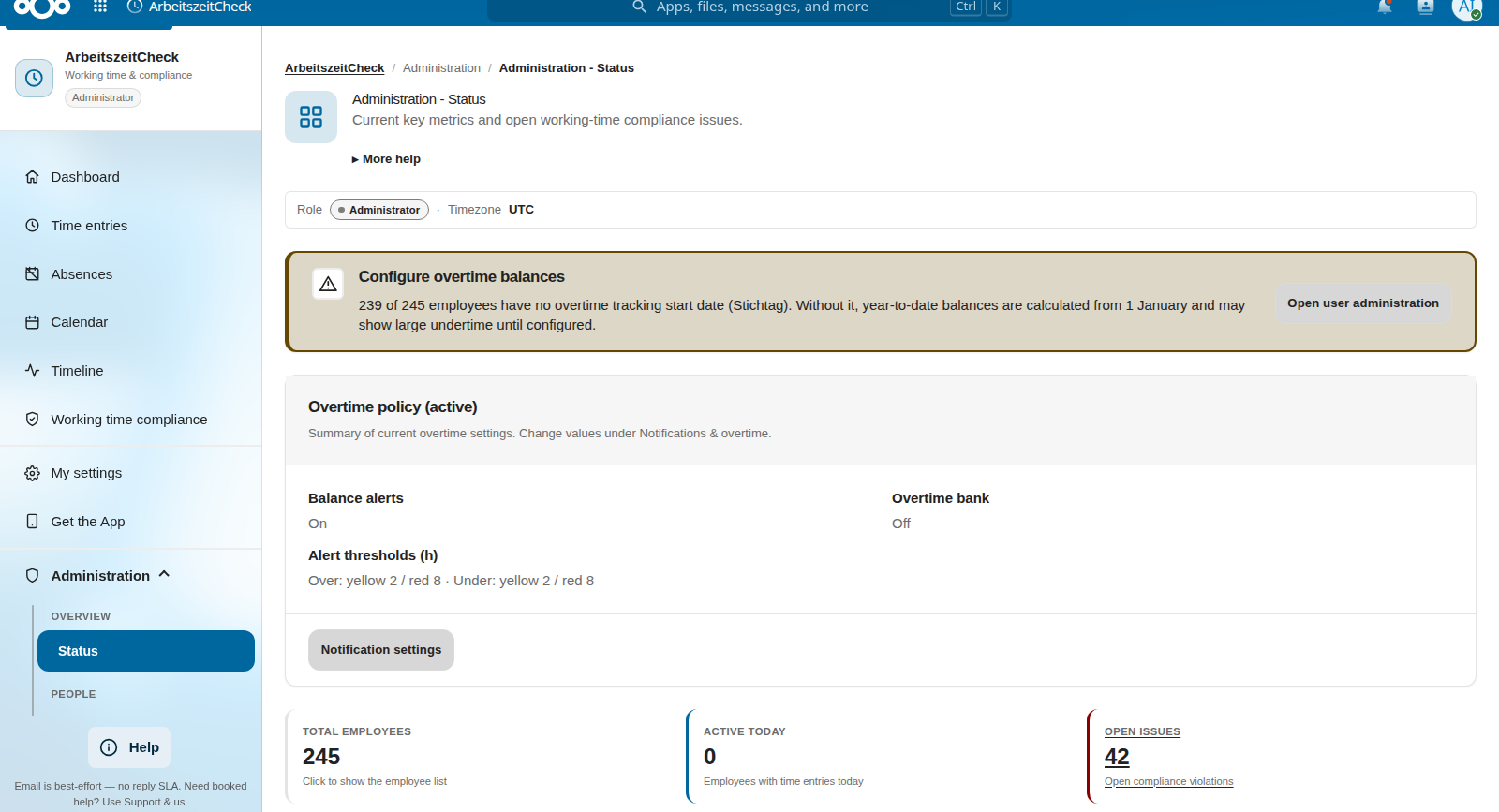
Automatic violation detection, manager warnings, and reports, so you can show an auditor what happened and why.
Absence & vacation
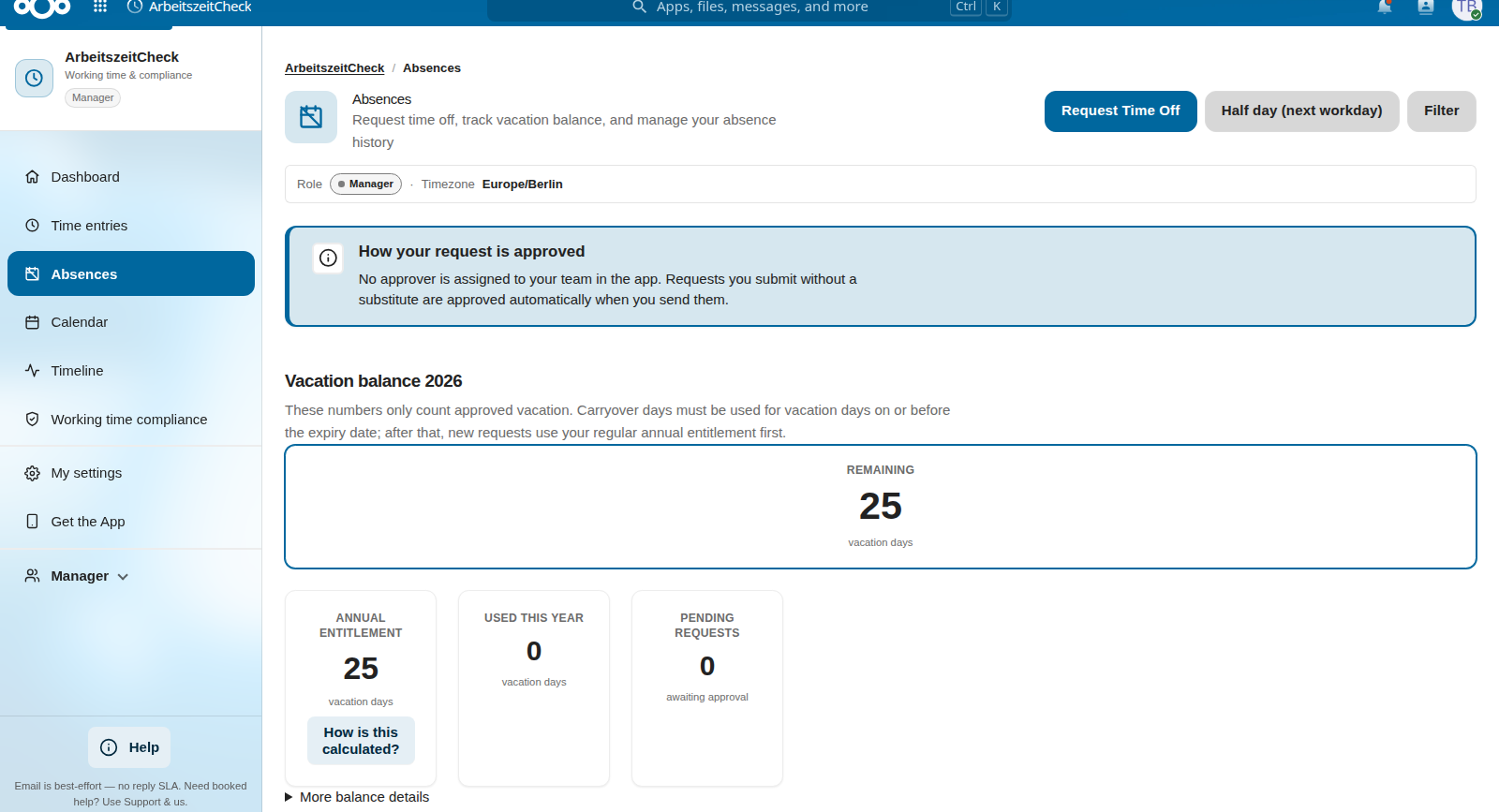
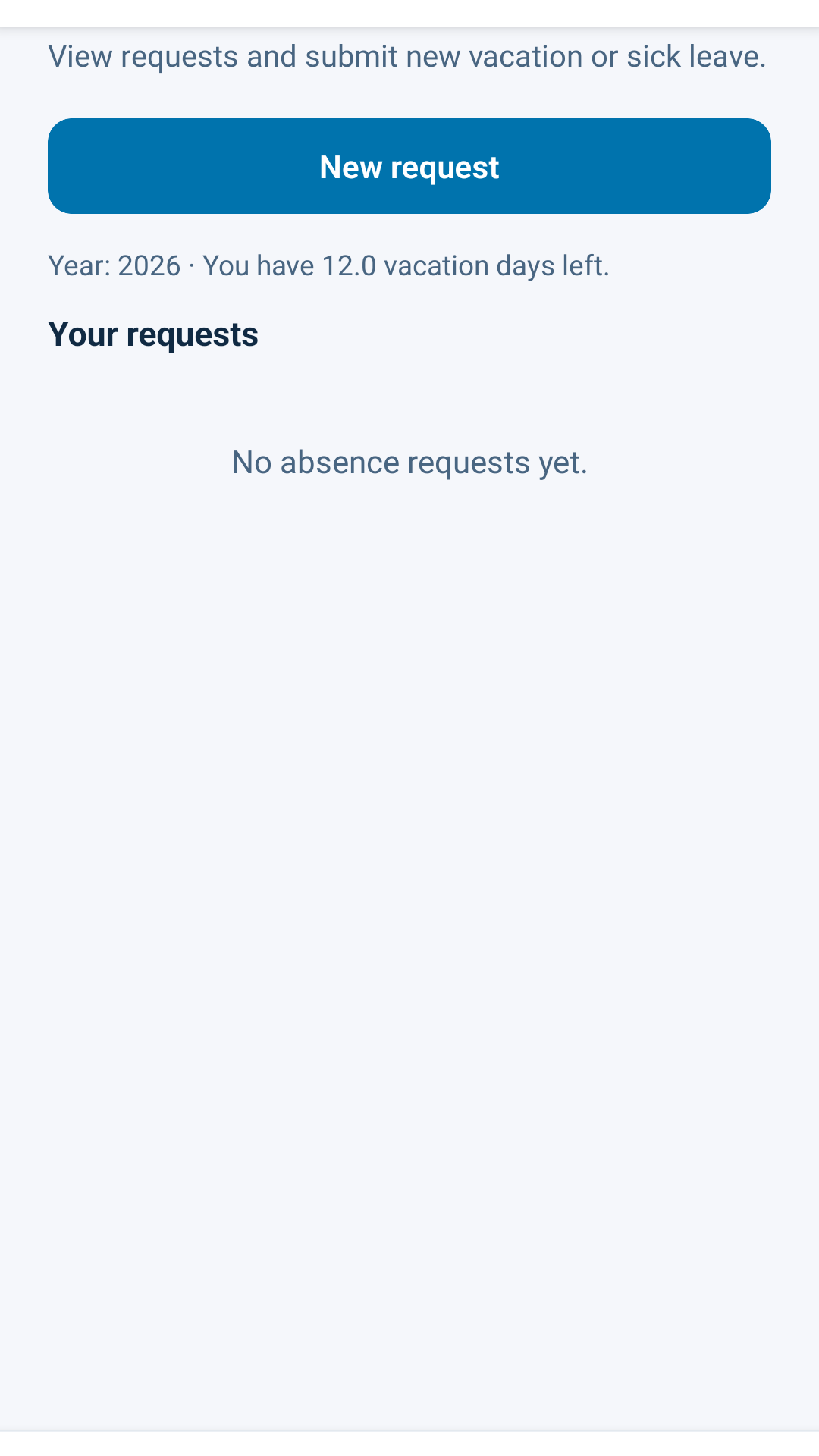
Vacation, sickness and special leave with an approval workflow. Entitlement per employee (manual, model- or tariff-based) with traceable calculation snapshots, carry-over with FIFO consumption and configurable expiry such as 31 March.
Audit-grade closure
Optional revision-safe monthly close: snapshot, hash, PDF proof. Finalised months stay locked until an admin re-opens with justification.
Exports for payroll
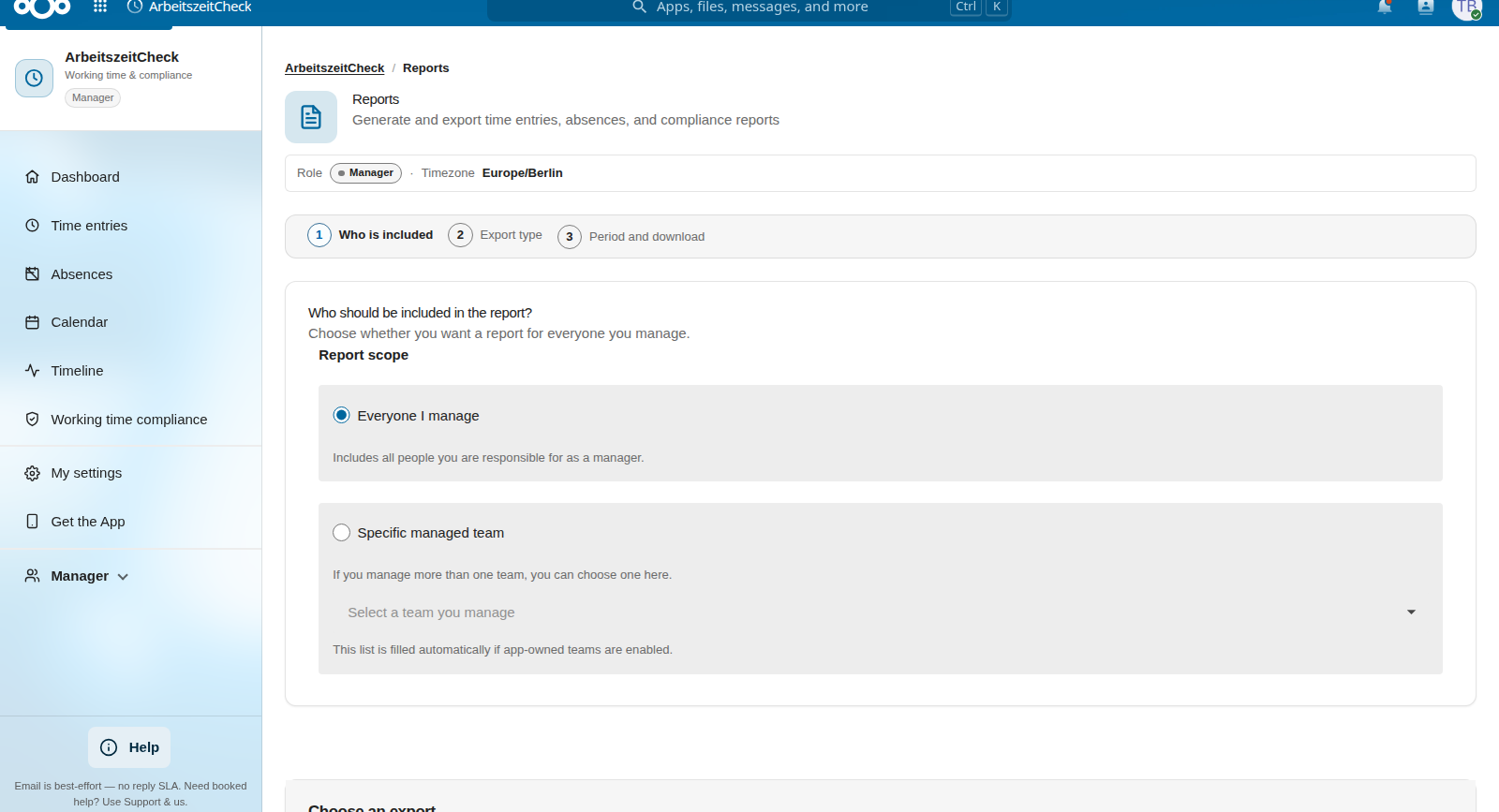
Daily / weekly / monthly reports, overtime reports, absence reports, plus a DATEV export for downstream payroll.
More in the app
Dashboards by role
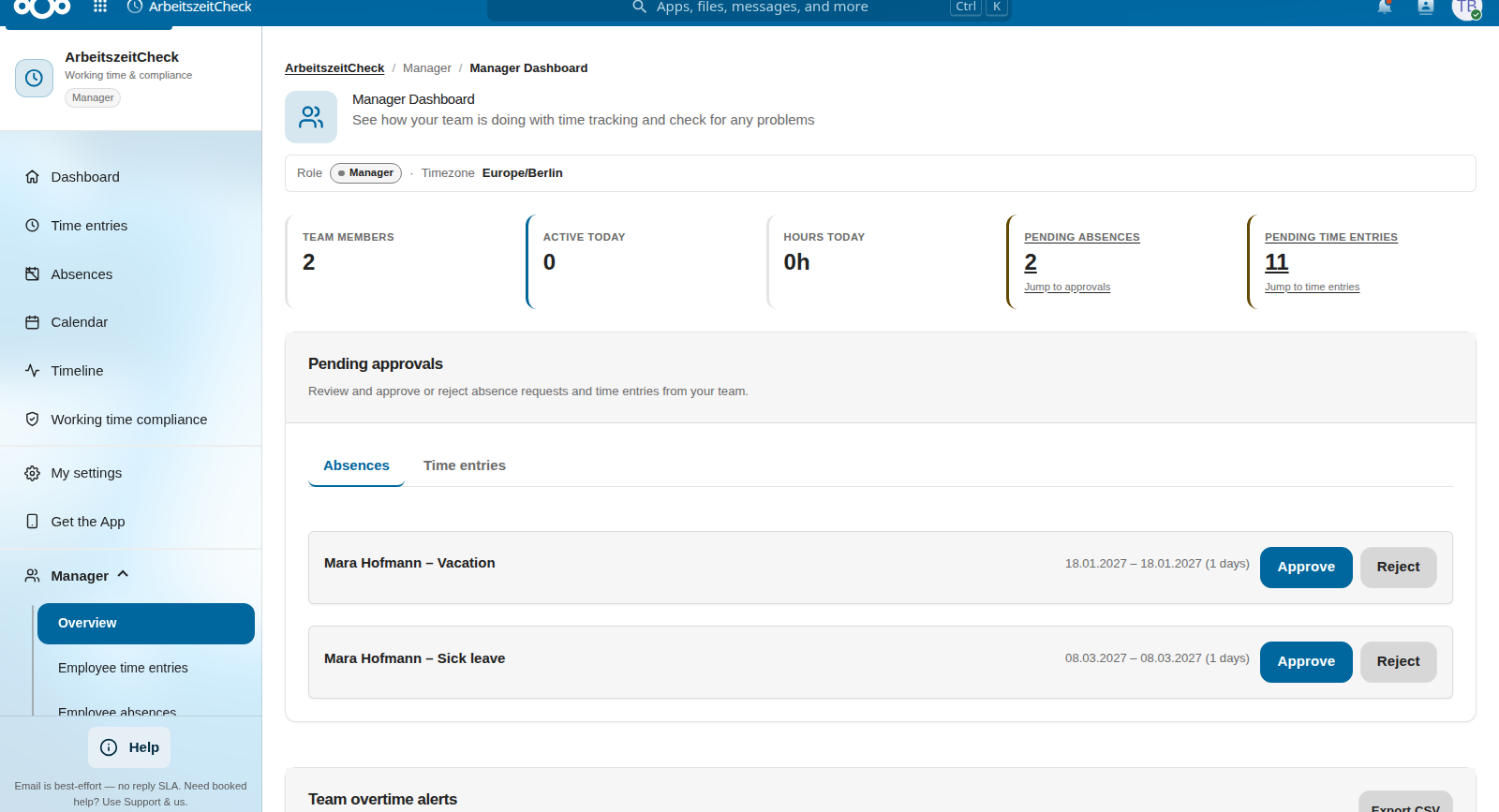
Employee self-service, team views, manager overviews. Approvals, compliance status, and personal balance at a glance.
HR mail matrix
Configurable admin recipients per absence type and event, with validation, deduplication, and templates for carry-over and substitution events.
Legal notice. ArbeitszeitCheck helps you implement technical controls for applicable DACH working-time rules (e.g. ArbZG, AZG/ARG, ArG) and the GDPR (working-time limits, breaks, rest periods, record-keeping). It is not a substitute for legal advice. Employers remain responsible for the design of working-time models, configured limits and retention periods, and the interpretation of recorded data. Review your setup with legal counsel when in doubt.
Is ArbeitszeitCheck for you?
A good fit if
you employ staff in DE/AT/CH and must record and check working time against legal profiles, on your own Nextcloud rather than a SaaS.
Not the right fit
ArbeitszeitCheck is deliberately not a roster tool or all-in-one HR suite. It records and checks working time, fully usable without any other Check app.
Works with these modules
DutyCheck (optional).
roster planning with a publish workflow. When both apps are installed, approved leave from ArbeitszeitCheck appears on the roster (read-only) so nobody is scheduled during an absence.
Available now
ProjectCheck (optional).
billable project hours, a different job from compliance time tracking.
Available now
Two mobile apps connect to the open-source server app on your own Nextcloud: a phone app for employees and a foyer time-clock app for shared tablets. Working-time data never leaves your server. See licence & pricing below.
Availability.ArbeitszeitCheck Mobile is available on Google Play (Android) and the Apple App Store (iPhone & iPad), free downloads; organisation licence sold separately. Terminal is available for Android and iPad: Google Play and the Apple App Store. Screenshots show the German UI. The UIs are translated into 10 languages (DE, EN, FR, ES, DA, NL, IT, PL, SV, NB): on Mobile you can choose under Settings; Terminal follows the tablet’s system language.
ArbeitszeitCheck Mobile: for employees
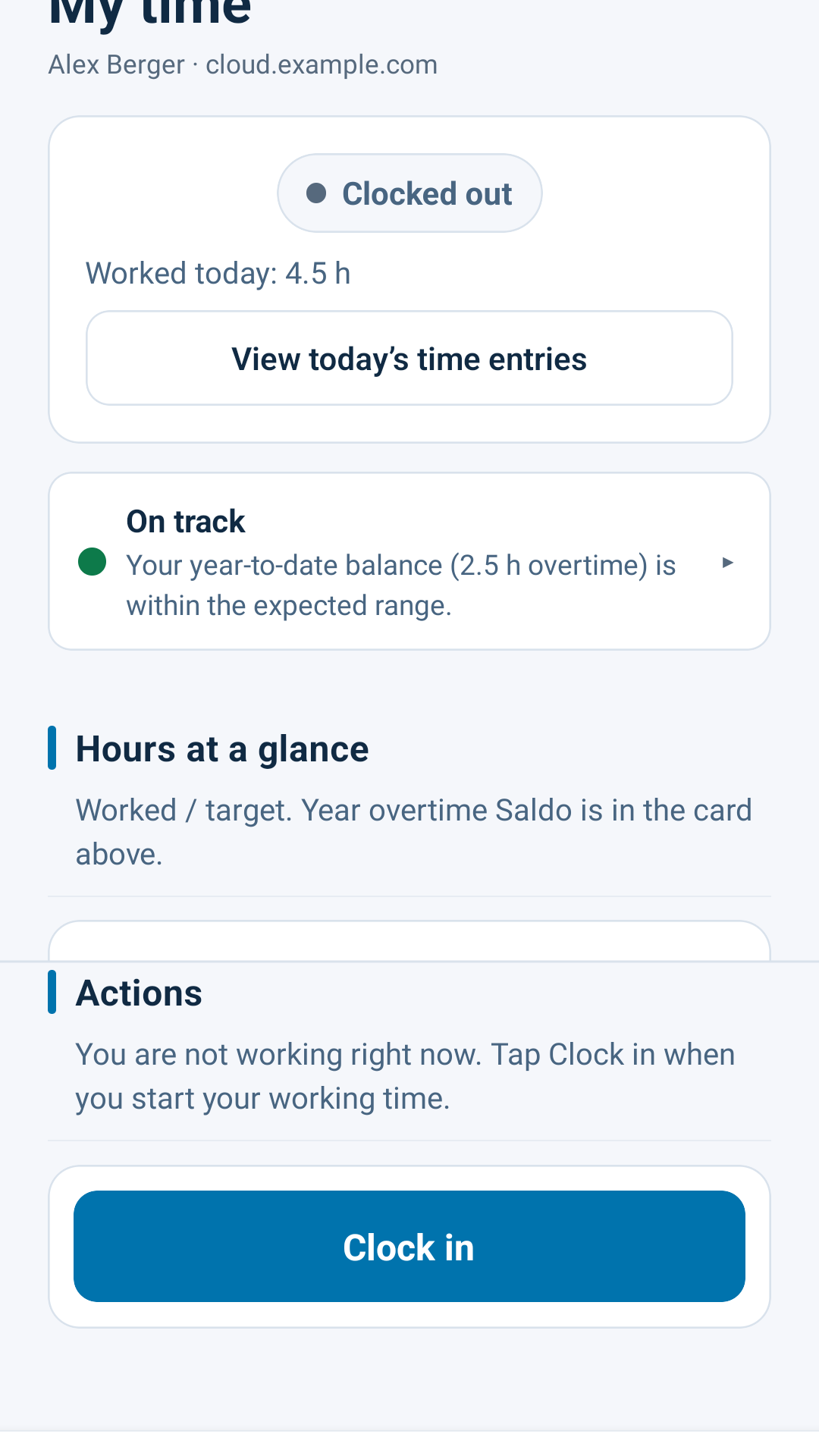
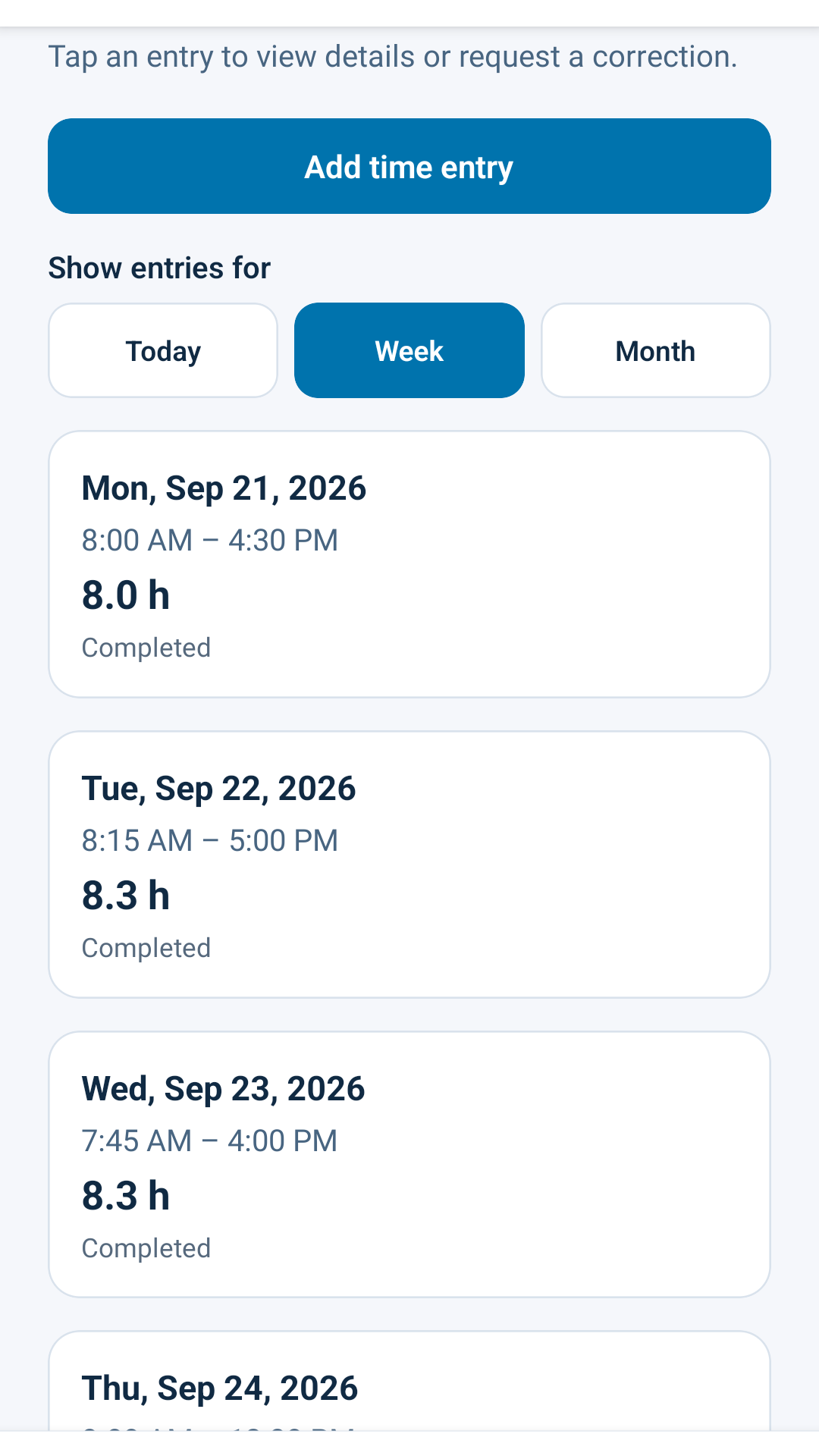
Clock in and out, manage breaks, review time entries and request absences from your phone. Employees sign in with their existing Nextcloud account; your admin assigns the licensed seats.
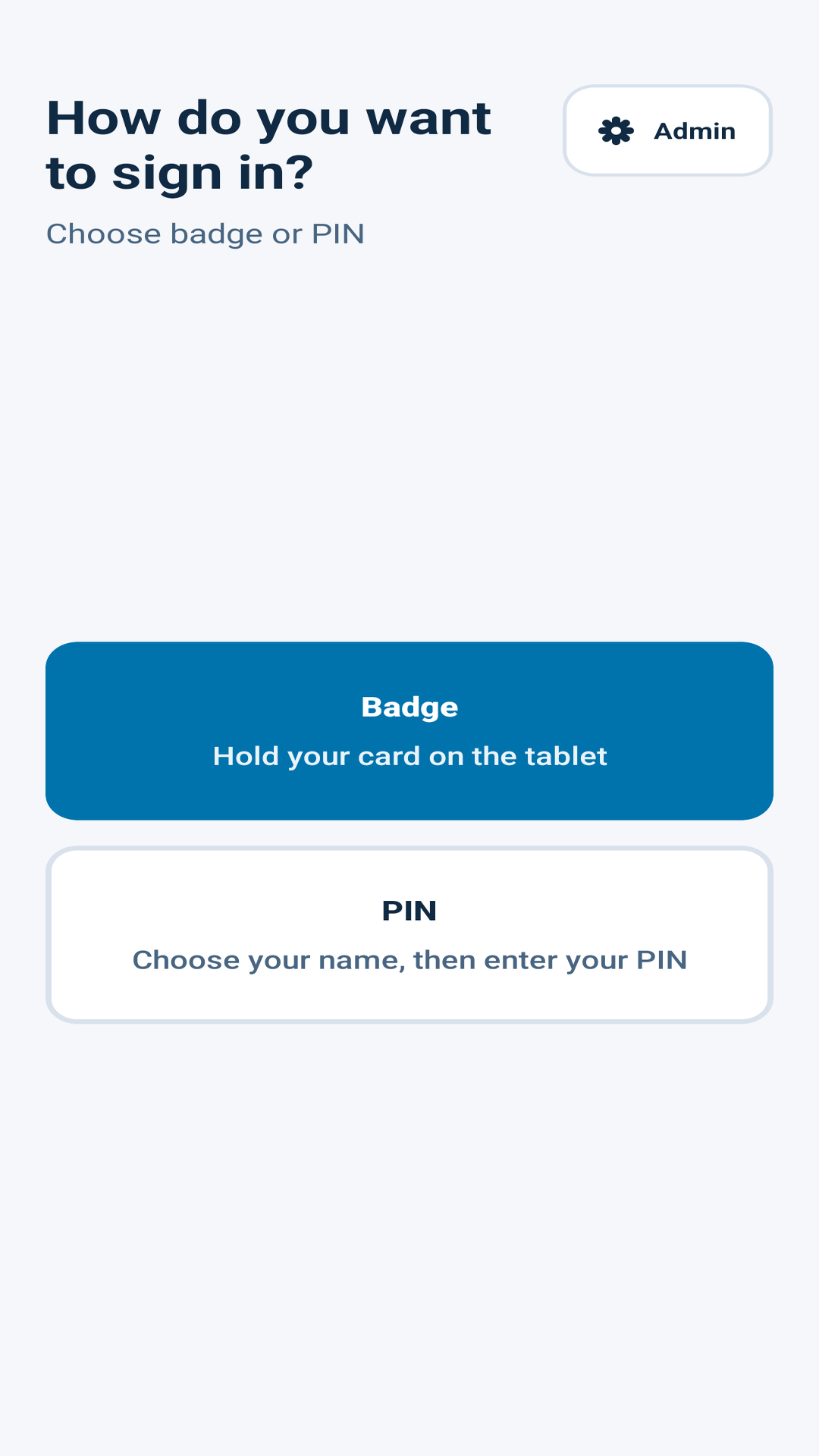
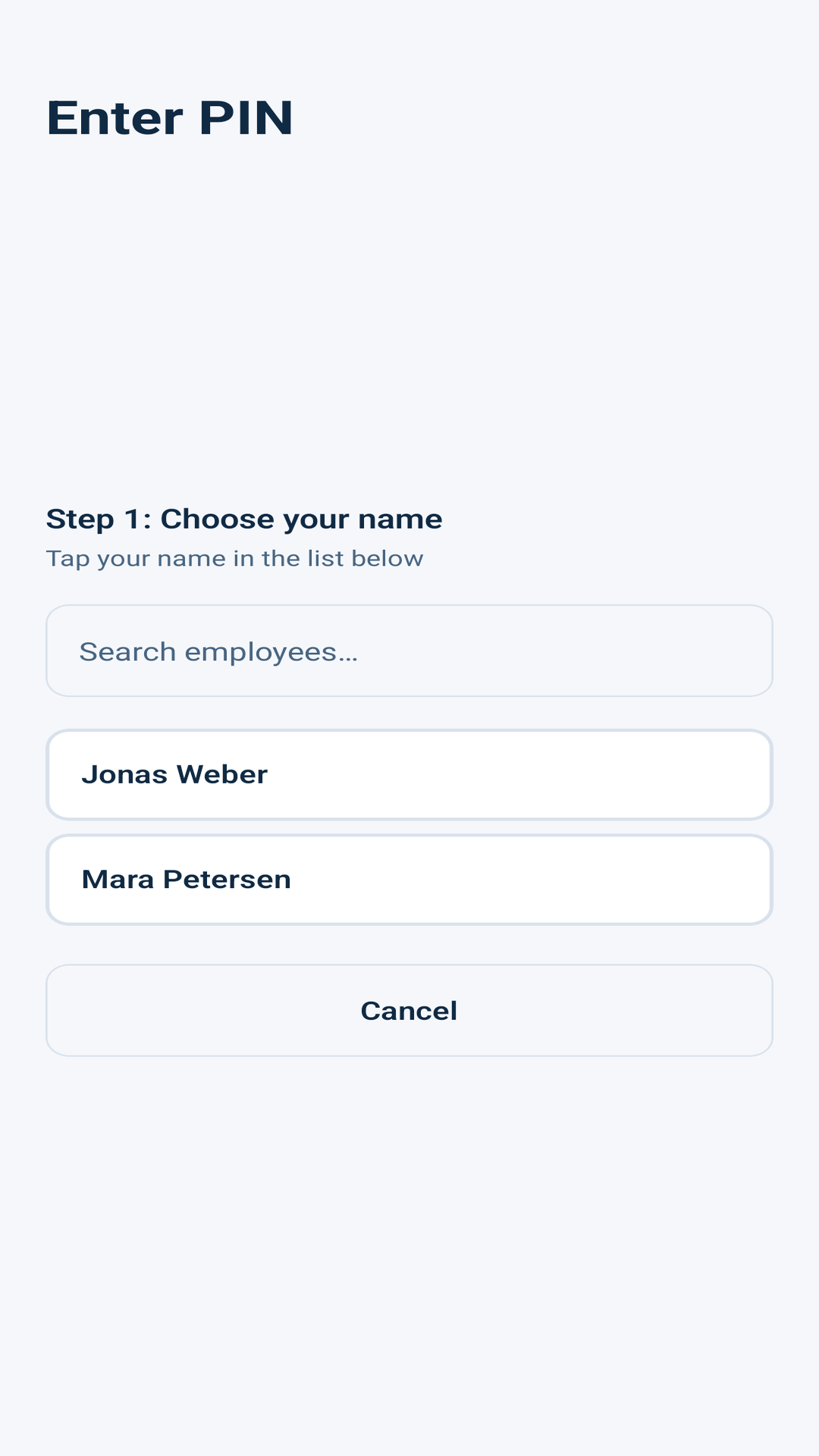
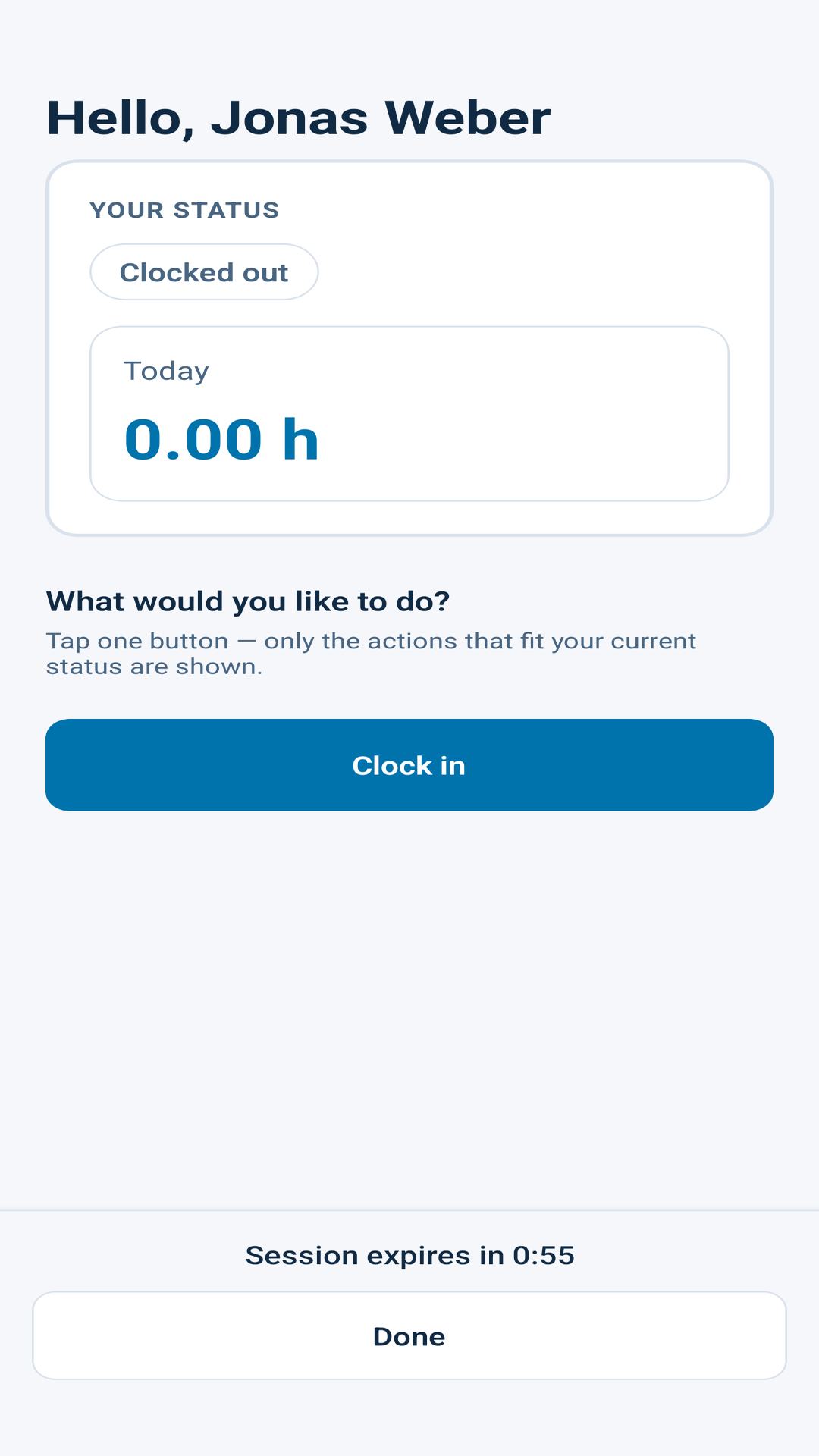
A kiosk app for a tablet at the entrance: employees clock in and out with an NFC badge, a USB or Bluetooth card reader, or name + PIN. No personal Nextcloud login is stored on the device.
The web app in Nextcloud is free and stays free, open source (AGPL) with the complete feature set. A paid annual organisation licence is only needed for the official Mobile and Terminal apps.
Web app
Nextcloud web app
€0 free forever · AGPL-3.0-or-later
The complete time-tracking suite in the browser, no licence key, no user limit.
Full feature set: rules, compliance, absences, exports
Unlimited users
Source code on GitHub
Mobile access
ArbeitszeitCheck Mobile
€8 per user / year · minimum €40/year (up to 5 users)
Annual organisation licence for the official phone app, per named user.
Seats assigned by your admin
App updates during the licence term
E-mail support
Terminal access
ArbeitszeitCheck Terminal
€99 first tablet / year · each additional tablet €89/year
Annual organisation licence for the foyer time clock, per paired tablet.
NFC badges, USB/Bluetooth readers, or PIN
Terminal app updates during the licence term
Mobile + Terminal on one licence key: 10% bundle discount. All prices are net (plus statutory VAT), billed annually by invoice, the apps themselves are free downloads. The licence key is installed on your own Nextcloud instance; hosting, tablets and NFC badges are not included.
Want to try it first? We can issue a free, time-limited demo licence for a limited group of users, just send us a short message.
These apps are maintained in public. If ArbeitszeitCheck helps your organisation,
you can fund ongoing work through
GitHub Sponsors.
Want a feature shipped sooner or tailored to your setup?
Contact us
we are happy to discuss sponsored feature development.
Product feedback, bugs, rough edges, missing pieces, is always welcome via GitHub Issues or info@software-by-design.de; it directly shapes what we build next.
Companion licences fund the maintenance, updates, and support behind the free web apps.